Everything finance teams ask for
Reporting that lives where you already work
Stop rebuilding the same spreadsheets every month. IBB Reports turns Excel into a live window onto Business Central, by asking, by clicking, or from a formula.
New · Ask IBB
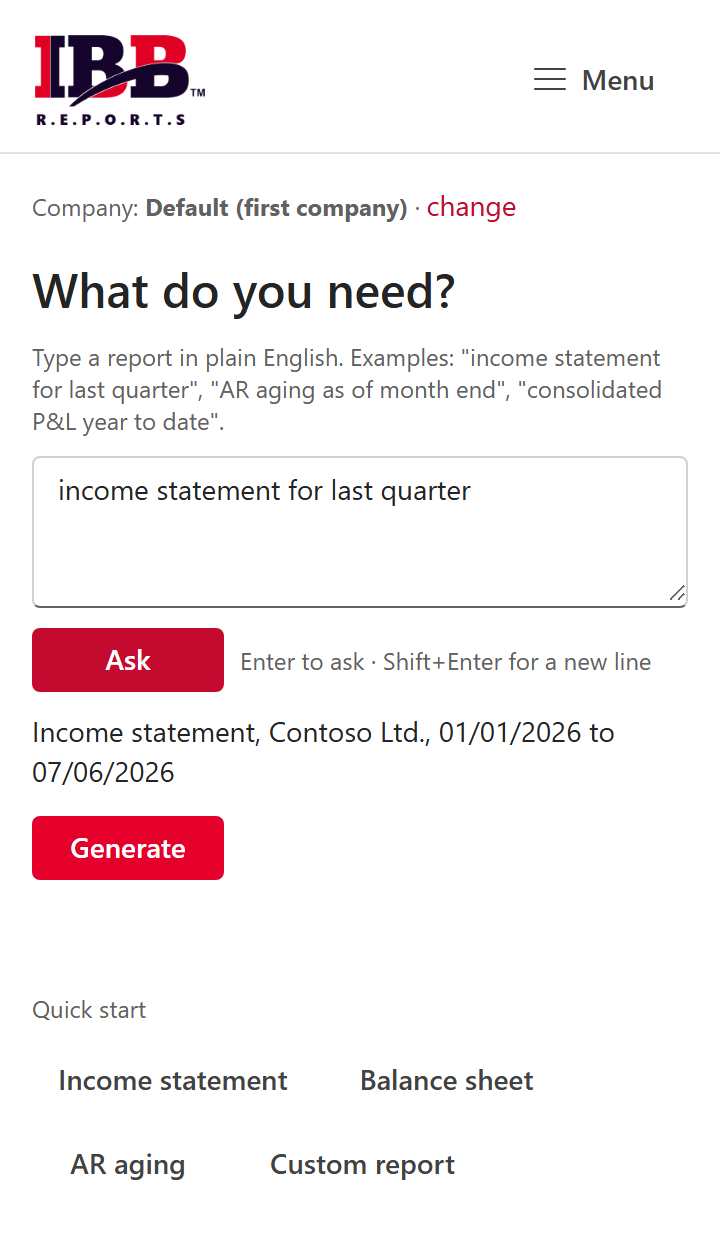
Reports in plain English
Describe the report and IBB Reports works out the statement, period, and company, then builds it live. Deterministic and auditable, and the interpreter runs inside your own tenant, no external AI.
Live data, from a formula
Type =IBB.NL or =IBB.GL in any cell and get real Business Central values back. Refresh and they update.
Financial statements
P&L, Balance Sheet, and Trial Balance built from your own Business Central account categories. They tie out to the penny.
New
Design your own reports
Build a layout once, columns like budget vs actual, prior period, % of row, or by dimension, save it to your license, and your whole team can run it.
Dimensions & consolidation
Filter and break out by any dimension, and roll up multiple companies into one consolidated view, with an eliminations column for your intercompany accounts.
AR & AP aging, with detail
One click for a fully formatted receivables or payables aging report, by due or posting date, with the Business Central entry number on every line.
Scheduled & burst delivery
Run a report on a schedule, split it by department or entity, and drop each slice to the right inbox automatically.
Drill down to the source
Click a general ledger figure to see the exact Business Central entries behind it. Your auditors will thank you.
Secure by design
Microsoft single sign-on, and every access to your Business Central data is logged.